Walk-Away Auto Lock
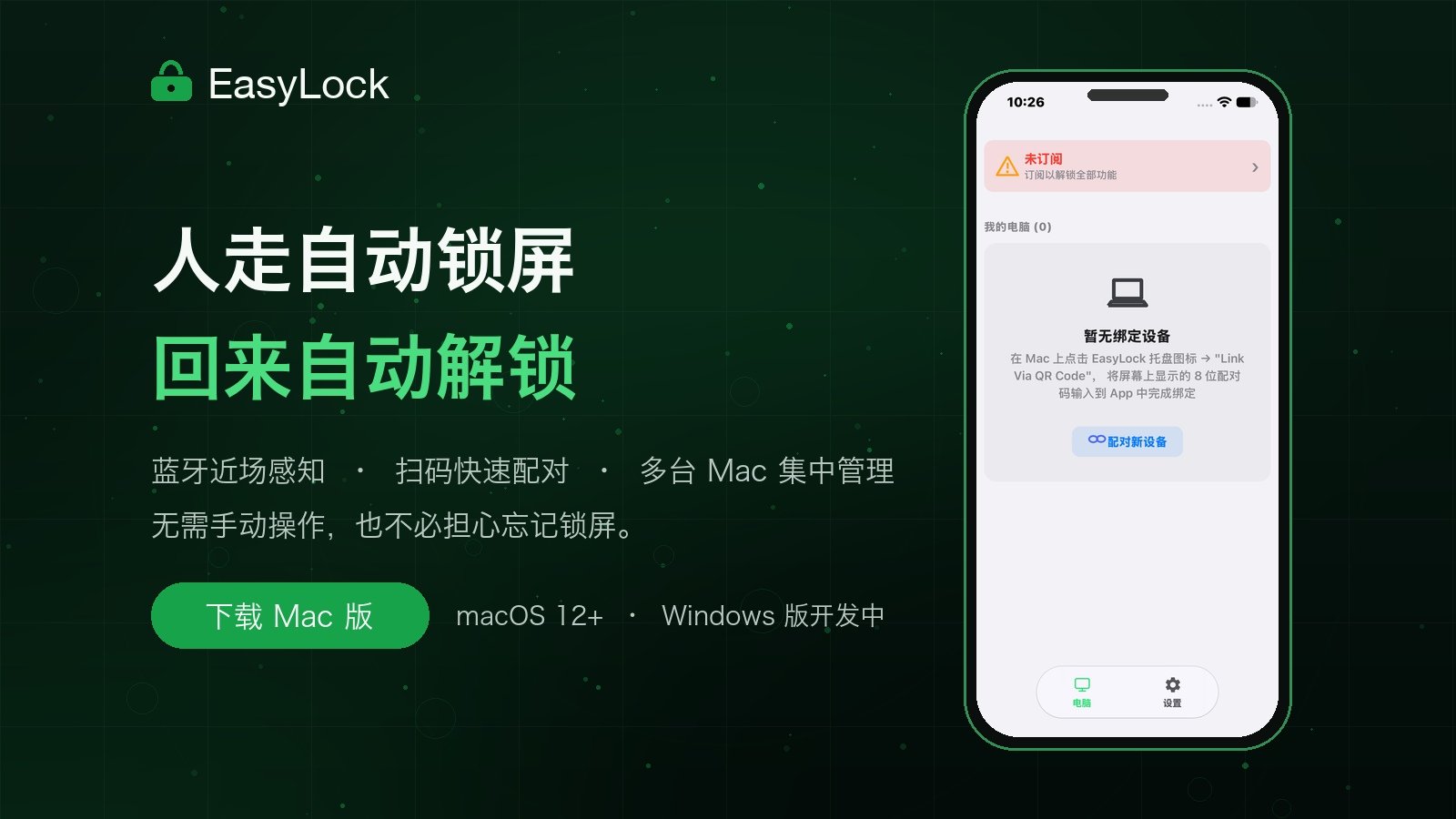
Bluetooth proximity detects distance and locks your Mac the moment you step away.
EasyLock uses Bluetooth proximity to sense how far you are from your Mac. It locks when you leave and unlocks when you return — no taps, no forgotten lock screens. The iPhone app can also lock, wake and manage multiple Macs remotely.
macOS 12 or later · Windows version in development
From automatic proximity lock to remote management — everyday Mac security, covered.
Bluetooth proximity detects distance and locks your Mac the moment you step away.
Your Mac unlocks when you return — no repeated password entry, with an adjustable distance threshold.
Send lock and unlock commands from your iPhone with a single tap.
Wake a sleeping Mac remotely; a wired network adapter gives the most reliable results.
An 8-digit pairing code links your devices. Valid for 5 minutes, single-use, and unusable once expired.
Online/offline state, lock status and heartbeats sync in real time to your phone.
Manage multiple Macs under one account, with re-pairing, unbinding and a clear device list.
Monthly, quarterly, annual and lifetime plans, with free trials, license-code activation and restore purchases.
Install, pair, switch on — configured in about a minute.
Download EasyLock.dmg, drag it into Applications and launch it. The EasyLock icon appears in the menu bar.
Choose "Link Via QR Code" in the menu bar, then scan the code with the iPhone app.
Set the trigger distance in the app — after that, locking and unlocking happen automatically.
The installer is hosted on this site — download and run it directly.
If macOS blocks the first launch: right-click EasyLock and choose "Open". If it says the app is damaged, runxattr -cr /Applications/EasyLock.appin Terminal, then open it again.
Download links will be added here as soon as the Windows version is released.